


Most Popular AuKing Projector Accessories
These are the accessories that AuKing projector owners buy most frequently to improve and complete their setups.
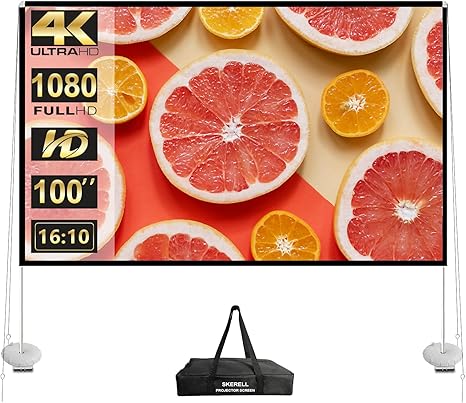
Projector Screen with Stand 100 Inch
Its portable design makes it a convenient solution for home and outdoor cinema.
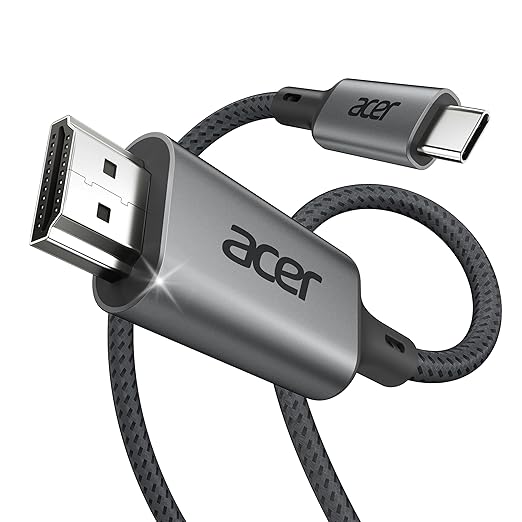
USB C to HDMI Cable for Home Office 6.6FT
Universal compatibility with smartphones, projectors and laptops.
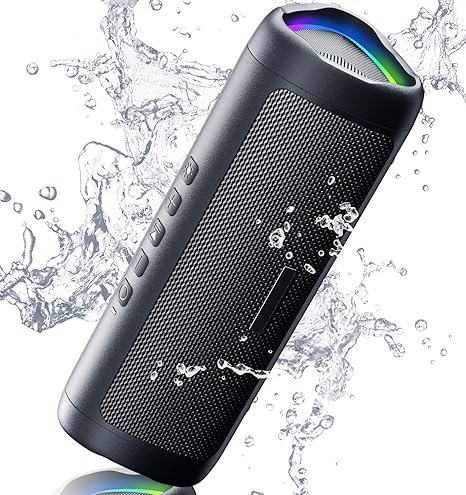
Bluetooth Speaker with HD Sound
Clear HD sound, wireless Bluetooth connectivity, portability and battery life.
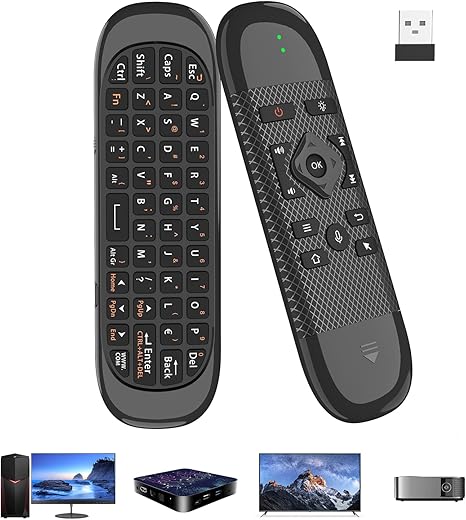
USB Air Mouse Remote Control
Simple USB connection and easy navigation make it ideal for Smart TVs and projectors.
AuKing Projector Accessories FAQ
Does an AuKing projector need a projector screen or will any wall work?
Does an AuKing projector need a projector screen or will any wall work?
Any smooth white or light-gray wall works and many people start there. A dedicated matte white projection screen produces a noticeably sharper, more color-accurate image because the surface is uniform, flat, and designed to reflect light evenly. For occasional use, a wall is fine. For a permanent setup or regular movie nights, a screen is worth the upgrade.
What size projection screen works best with an AuKing projector?
What size projection screen works best with an AuKing projector?
For typical living room or bedroom use, a 100-inch screen hits the sweet spot. It fills the field of vision without requiring the projector to be placed very far back. At a throw distance of about 8 to 10 feet, an AuKing projector fills a 100-inch screen comfortably. Outdoor setups with more space can go up to 120 or 150 inches for a more dramatic theater experience.
What carry bag fits an AuKing mini projector?
What carry bag fits an AuKing mini projector?
Mirroring through Airplay and Miracast displays most phone content, including photos, videos, games, and websites. Some streaming apps like Netflix apply digital copy The Aproca hard storage case is a popular third-party option designed specifically for AuKing mini projector models. It features a custom-fit interior, a mesh pocket for cables and the remote, and a sturdy zipper. Many AuKing mini projector configurations also ship with a soft carry bag included in the box. Check the product listing to confirm what is included before purchasing a separate case.that blocks screen mirroring for their content specifically. To stream Netflix wirelessly through an AuKing WiFi projector, connect a streaming device via HDMI, or use an AuKing smart projector model with official Netflix support built in.
Can an AuKing projector be ceiling mounted?
Can an AuKing projector be ceiling mounted?
Yes. Universal mini projector ceiling mounts with adjustable arms are compatible with AuKing projector models. The YiePhiot mini projector ceiling and wall mount is one specifically listed as compatible with AuKing projectors. When ceiling mounting, enable the projector’s image flip or keystone correction settings to correct the inverted image orientation.
Do AuKing projectors need a special HDMI cable?
Do AuKing projectors need a special HDMI cable?
A standard HDMI cable works with all AuKing projector models. For connecting an iPhone or iPad, a Lightning to HDMI adapter is required since Apple devices do not have a built-in HDMI port. For USB-C phones and laptops, a USB-C to HDMI cable handles the connection. These adapters and cables are widely available and not proprietary to AuKing.
What streaming stick works best with an AuKing projector for Netflix access?
What streaming stick works best with an AuKing projector for Netflix access?
Amazon Fire Stick, Roku Streaming Stick, and Google Chromecast all connect to the HDMI port on AuKing projectors and provide full access to Netflix, Prime Video, Disney Plus, and other streaming services. A Fire Stick 4K or Roku 4K model delivers the highest streaming quality. Plug the stick into the HDMI port, power it through the USB port on the projector or a separate adapter, and it runs as a self-contained streaming device.