


How to Choose a Mini Projector: Everything You Need to Know Before You Buy
Mini projectors have come a long way. What used to mean a blurry, dim image in a darkened closet now means full HD 1080P on a 150-inch wall, wireless streaming from a phone, and built-in speakers that actually fill a room. The technology has improved dramatically and so has the range of options, which makes choosing the right one more complicated than it looks.
Specs on product listings can be confusing, misleading, or outright meaningless without context. Lumen numbers are inflated. Resolution claims need decoding. Features that sound identical across different models can perform completely differently in real life.
This guide cuts through all of it. By the end, the key specs will make sense, the right questions will be clear, and finding a mini projector that fits the actual use case will be straightforward.
What This Guide Covers
- Step 1: Define the Use Case First
- Step 2: Understanding Brightness and ANSI Lumens
- Step 3: Native Resolution vs Supported Resolution
- Step 4: Throw Distance and Image Size
- Step 5: Connectivity Options
- Step 6: Smart Features and Built-In Streaming
- Step 7: Audio Quality and Speaker Options
- Step 8: Autofocus and Keystone Correction
- Step 9: Portability and Build Quality
- Step 10: Lamp Life and Long-Term Value
- Mini Projector Comparison by Use Case
- Final Checklist Before You Buy
Step 1: Define the Use Case Before Looking at Any Specs
The biggest mistake most buyers make is starting with the specs. The right starting point is the situation the projector will actually be used in. A projector that is perfect for one use case can be genuinely frustrating in another, even if it has impressive numbers on paper.
Before comparing anything, answer these four questions honestly:
- Where will the projector be used most often? Bedroom, living room, backyard, camping, or all of the above?
- What time of day? Evenings and nights only, or also during the day?
- How will content be delivered? Phone mirroring, streaming stick, laptop HDMI, or built-in streaming apps?
- Will the projector stay in one place or does it need to travel?
The answers to these questions determine which specs actually matter for that specific buyer. Someone setting up a permanent bedroom cinema has completely different priorities from someone who wants a projector to bring to a campsite every weekend. Running through the rest of this guide with those answers in mind makes every section more useful.
Step 2: Understanding Brightness and Why ANSI Lumens Is the Only Number That Matters
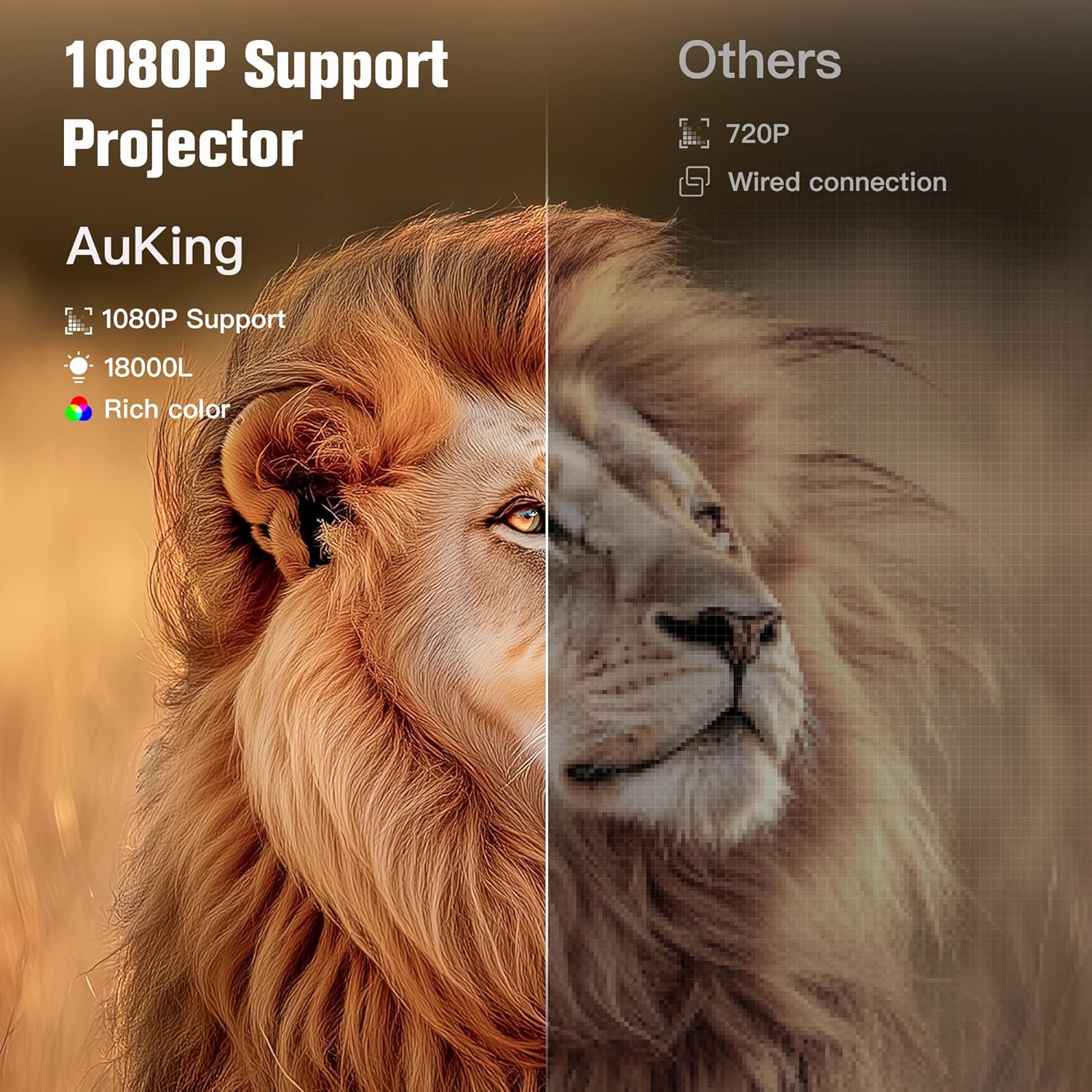
Brightness is the single most important specification for a mini projector and also the most abused one in marketing. Understanding how brightness is measured and what the numbers actually mean in practice prevents the most common buyer disappointment.
ANSI Lumens Is the Only Valid Measurement
There are two types of brightness figures used in projector listings. ANSI lumens is a standardized, internationally recognized measurement method that tests brightness across nine points on the projected image. It reflects real-world output accurately.
Generic “lumens” or “lux” figures, which appear on many budget product listings, are not standardized. They are often measured under ideal laboratory conditions using a single point on the image and can be inflated by a factor of five to ten compared to actual output. A projector claiming 9,500 lumens may measure around 150 to 200 ANSI lumens in reality. When comparing brightness across different projectors, look for the ANSI lumen figure specifically. If only a generic lumen number is provided, treat it with significant skepticism.
What Different ANSI Lumen Levels Actually Look Like
In practice, brightness performance breaks down into recognizable tiers. Projectors in the 150 to 300 ANSI lumen range produce a good image in a fully darkened room and a soft, watchable image in a room with one low lamp on. They are not suitable for daytime use with natural light present. This is the range where most compact, portable mini projectors sit.
Projectors in the 500 to 800 ANSI lumen range handle rooms with some ambient light comfortably. Curtains drawn on a bright day, or a normally lit room in the evening, produces a clear and satisfying image. This range covers mid-range mini projectors including most of the AuKing WiFi and smart projector models.
Projectors above 1,000 ANSI lumens can manage in well-lit rooms and even handle some direct indoor lighting. These are typically larger, heavier devices or significantly more expensive than compact models.
The practical rule is simple: more ANSI lumens means more flexibility over the lighting conditions in which the projector can be used. For buyers who can commit to dimmed or dark viewing conditions, lower brightness is not a problem. For buyers who need flexibility over room lighting, prioritize higher ANSI lumen output.
Step 3: Native Resolution vs Supported Resolution
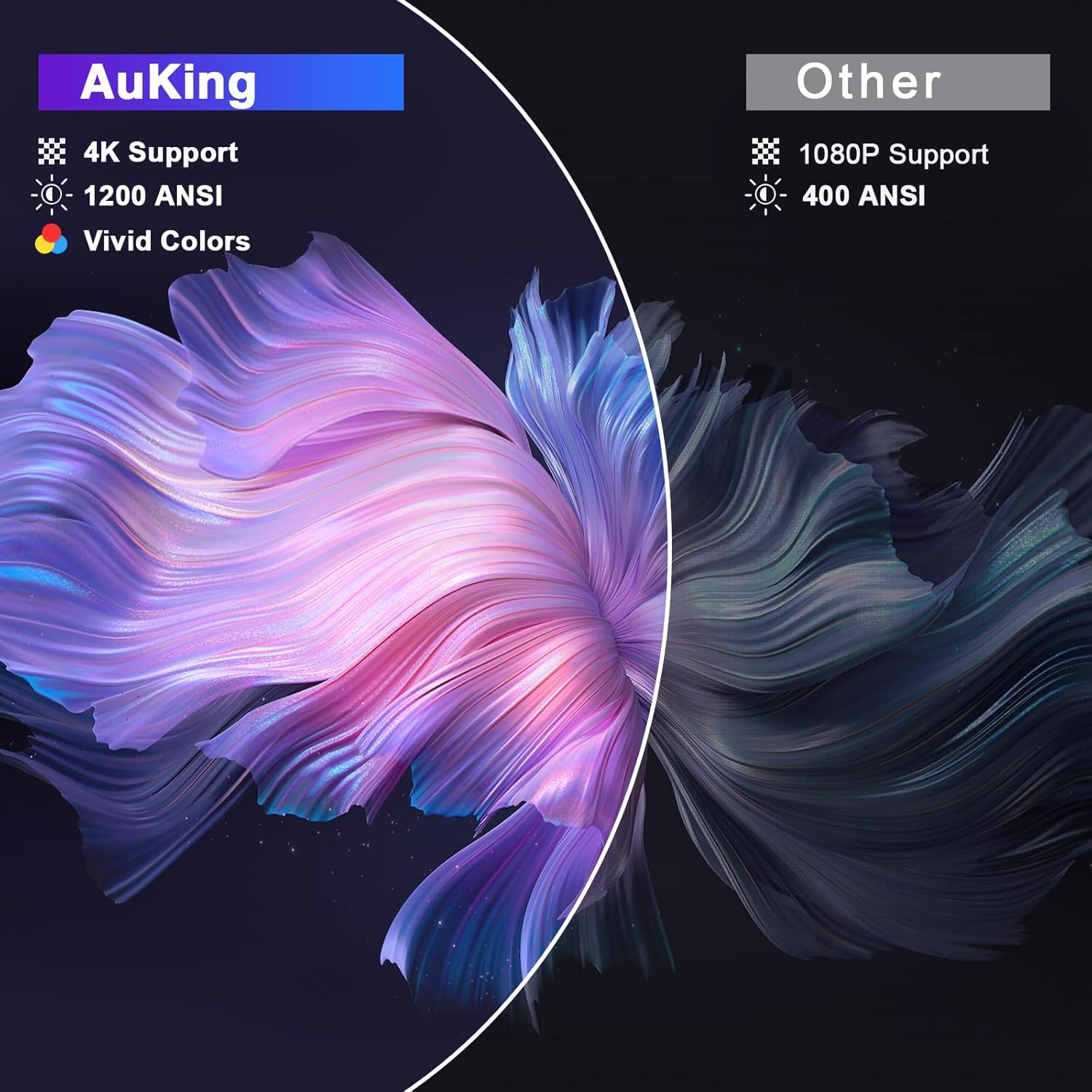
Resolution determines how sharp and detailed the projected image appears. It is also the specification most commonly misrepresented on budget projector listings, so understanding the difference between native resolution and supported resolution is essential.
Native Resolution Is What the Projector Actually Displays
Native resolution is the physical pixel count of the projector’s internal display panel. It is the true resolution of the image that appears on the wall. A projector with a native resolution of 1920 by 1080 pixels is a genuine full HD 1080P device. Every pixel in the source signal is mapped to a real pixel on the panel.
Supported Resolution Is What the Projector Can Receive as Input
Supported resolution, also called “compatible resolution” or “input resolution,” is the highest-quality signal the projector can accept through its HDMI or USB port. A projector that “supports 4K” or “supports 1080P” does not necessarily display at that resolution. It accepts the signal and downscales it to whatever the native panel resolution is. A projector with a native 480P panel that supports 4K input will display a 4K signal at 480P. The output quality is always limited by the native panel.
Resolution Guide by Budget and Use Case
Native 480P is the lowest tier found in the cheapest projectors. Images appear soft and pixelated, particularly on larger screen sizes above 80 inches. Fine text is difficult to read. Suitable only for very casual use at small sizes where image quality is not a priority.
Native 720P is the entry-level HD tier. Images look noticeably sharper than 480P and are enjoyable for movie watching on screens up to around 100 inches. Text is legible. A reasonable choice for buyers on a tight budget who need basic HD performance.
Native 1080P is the recommended minimum for most buyers in 2025. Full HD resolution delivers sharp, detailed, color-accurate images on screens up to 150 inches and beyond. Text is clear. Movies, shows, and games look the way they are meant to look. AuKing mini projectors start at native 1080P across the core lineup, which puts them in the sweet spot for home entertainment use.
Native 4K is available in a small number of premium mini projectors. It delivers the sharpest possible image with the most visible detail, particularly on very large screen sizes. These models are significantly more expensive and physically larger than standard mini projectors.
For most buyers setting up a home cinema, backyard screen, or bedroom projector, native 1080P is the right target. It delivers a genuinely impressive picture at a practical price point without requiring a darkened room to appreciate the resolution.
Step 4: Throw Distance and Image Size
Throw distance is the distance between the projector and the wall or screen. It determines how large the projected image can be from any given placement position. Getting this right before purchasing prevents the frustrating discovery that the projector either cannot fill the available wall space or needs to be placed in an impractical location to reach the desired size.
Standard Throw Projectors
Most mini projectors use a standard throw ratio. For every foot of image width desired, the projector needs to be placed roughly 1.5 to 2 feet back from the screen. A standard throw mini projector achieving a 100-inch diagonal image typically needs to be positioned about 8 to 10 feet from the wall. AuKing mini projectors cover a throw distance range of 3.6 feet to 16.4 feet, producing image sizes from 35 inches up to 200 inches across that range. Most home setups fall comfortably within this range.
Short Throw Projectors
Short throw projectors can produce large images from close distances, typically 2 to 4 feet from the screen for a 100-inch image. They are designed for rooms where furniture placement or wall proximity limits how far back the projector can be placed. Short throw models are generally more expensive than standard throw equivalents.
Zoom Function
Many mini projectors include a zoom function that allows the image size to be adjusted within a range, typically 50 to 100 percent of maximum size, without moving the projector. This is a practical feature for fine-tuning the image to fit a specific wall area or screen size without having to shift the projector’s position. AuKing models with zoom allow adjustment between 50 and 100 percent of the maximum image size, which is useful for setup in rooms where the projector cannot be moved freely.
Step 5: Connectivity Options and What Each One Is For
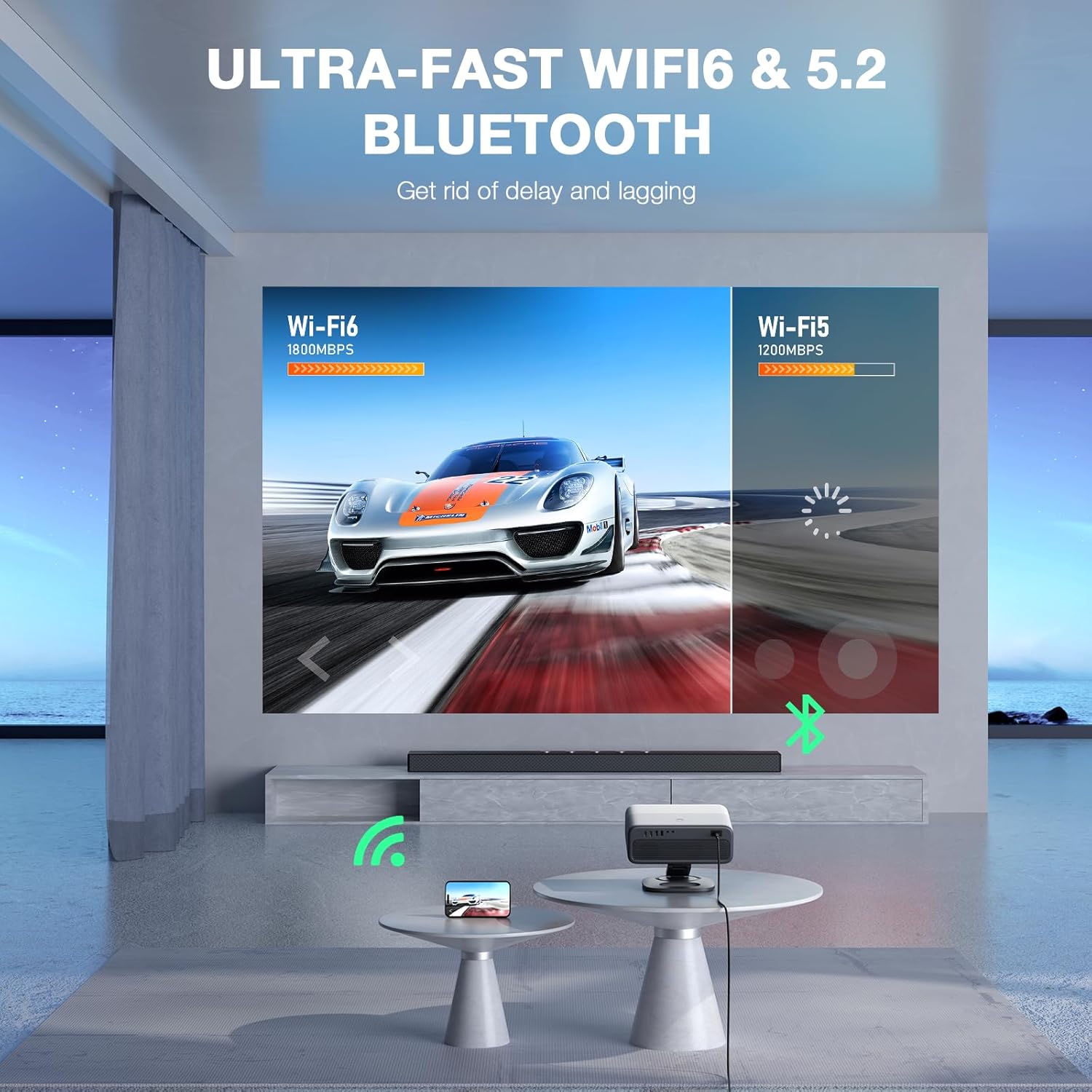
How the projector connects to content sources is one of the most practically important factors in day-to-day use. A projector with poor connectivity creates friction every time it is used. Understanding what each port and wireless option does makes it easy to assess whether a specific model covers the intended devices.
HDMI
HDMI is the universal standard for connecting modern devices to projectors. Laptops, streaming sticks (Fire Stick, Roku, Apple TV, Chromecast), game consoles (PS5, Xbox, Nintendo Switch), Blu-ray players, and set-top boxes all connect via HDMI. Every mini projector worth considering in 2025 includes at least one HDMI port. Models with two HDMI ports allow two devices to stay connected simultaneously, which is convenient for switching between a game console and a streaming stick without unplugging cables.
USB
A USB port on a mini projector serves two purposes. It can read files directly from a USB flash drive, playing back movies, photos, and music stored on the drive without any other connected device. It can also power a streaming stick plugged into the HDMI port, eliminating the need for a separate power adapter for the stick
AV Input
An AV or composite input connects older devices that predate HDMI, including older DVD players, VHS players, and older gaming systems. Most buyers will not need this but it is a useful addition for households with legacy equipment.
WiFi and Wireless Screen Mirroring
Mini projectors with built-in WiFi support wireless screen mirroring from phones and computers without a physical cable. Airplay handles iPhone, iPad, and Mac mirroring. Miracast handles Android phones and Windows computers. Both protocols are built into the operating system of compatible devices and require no third-party app. WiFi 6 is the latest generation and provides faster, more stable wireless connections than older WiFi 5 models, which matters for smooth high-definition mirroring on busy home networks.
Connecting a Smartphone via HDMI Adapter
Projectors without WiFi can still connect to smartphones using an HDMI adapter. iPhone users need a Lightning to HDMI adapter. USB-C phone users need a USB-C to HDMI cable. Both provide a reliable, wired connection that works independently of network conditions. These adapters are widely available and inexpensive.
Step 6: Smart Features and Built-In Streaming
Mini projectors fall into two broad categories when it comes to smart features: standard projectors and smart projectors. The distinction significantly affects how easy the projector is to use on a daily basis.
Standard Mini Projectors
A standard mini projector is a display device. It shows whatever is sent to it from a connected device via HDMI or wireless mirroring. It has no built-in streaming apps and cannot connect to Netflix, YouTube, or any other service on its own. To stream content, a separate device such as a Fire Stick, Roku, Apple TV, or laptop must be connected. This approach works well and gives full access to all streaming services through the external device. It does require an additional device and an additional remote.
Smart Mini Projectors
A smart projector has an integrated operating system and built-in WiFi that allows it to run streaming apps directly without any external device. It connects to the home network, opens apps from the home screen, and streams content independently. This simplifies the setup to a single device and a single remote. The important distinction within smart projectors is whether the streaming apps are officially licensed. Netflix in particular requires a hardware certification called Widevine that most projector chips do not carry. A smart projector claiming to run Netflix natively but lacking this certification will either display a black screen or an error message when Netflix is launched. AuKing smart projector models with an official Netflix license carry the certification and run Netflix as a true native app.
Which Approach Is Right
For buyers who already own a streaming stick or who prefer to manage their streaming apps on a dedicated device, a standard mini projector with a good HDMI port is a clean and cost-effective solution. For buyers who want the simplest possible setup with everything handled by one device, a smart projector with verified streaming app support is the better choice. The all-in-one convenience has real value for everyday use.
Step 7: Audio Quality and Speaker Options
Built-in audio quality is one of the most consistent weak points of compact mini projectors. The physical size of the housing limits the speaker driver size, which limits bass response and overall volume. For casual bedroom viewing at close range, most built-in speakers are adequate. For movie watching in a larger room or outdoors, they typically fall short.
What to Look for in Built-In Speakers
Dual speakers produce better stereo separation than a single speaker. Speakers with a nominal power rating of 3 watts or higher deliver more volume and better low-end presence than 1-watt designs. Dolby Audio processing, found on select models including AuKing smart projectors, applies audio enhancement that meaningfully improves clarity and soundstage from the built-in drivers without requiring hardware upgrades.
External Audio Options
Every mini projector worth owning should have at least one of the following external audio outputs: a 3.5mm headphone or audio output jack for connecting wired speakers or headphones, or Bluetooth for pairing wireless speakers, soundbars, or earbuds. Bluetooth 5.0 and above provides a stable, low-latency connection suitable for movie audio. Models with bidirectional Bluetooth can both send audio to a speaker and receive audio from a phone, which is a useful bonus for multi-purpose use.
For buyers who care about audio quality, budgeting for a Bluetooth speaker alongside the projector is worth the consideration. The combination of even a mid-range projector and a quality portable Bluetooth speaker produces a dramatically better cinematic experience than relying on built-in audio alone.
Step 8: Autofocus and Keystone Correction
Getting a sharp, properly aligned rectangular image on the wall used to require several minutes of fiddling with focus wheels and keystone dials. Current mid-range and premium mini projectors have largely automated this process, and it is one of the quality-of-life improvements that makes the biggest difference in everyday use.
Manual Focus
Entry-level mini projectors use a physical focus wheel on the top or side of the housing. Turning the wheel adjusts the focal distance until the image appears sharp. This is straightforward in most setups but requires a few minutes of adjustment each time the projector is moved to a new distance from the wall. The focus wheel on some budget models can be stiff or overly sensitive, making fine adjustments difficult.
Autofocus
Mid-range and premium mini projectors use sensor-based autofocus that detects the projection surface and locks focus automatically within a few seconds of powering on. The AuKing smart projector uses AI-assisted autofocus with a displacement gyroscope that completes focus correction in about 5 seconds and re-corrects automatically if the projector is moved. This eliminates the setup adjustment entirely for standard placements.
Keystone Correction
Keystone distortion is the trapezoid shape that appears when a projector is not perfectly level with the center of the projection surface. Placing the projector on a low coffee table and angling it upward, for example, makes the top of the image wider than the bottom. Keystone correction, either manual or automatic, applies digital processing to reshape the image back into a proper rectangle.
Vertical keystone correction handles the most common distortion from angled upward or downward placement. Horizontal keystone handles side-angle placement. The 4P system corrects four corner points. The 6D system found on more advanced models adds diagonal correction for more flexible placement scenarios. For buyers who plan to use the projector in unusual positions or cannot guarantee a perfectly level setup, a broader keystone correction range is a meaningful advantage.
Step 9: Portability and Build Quality
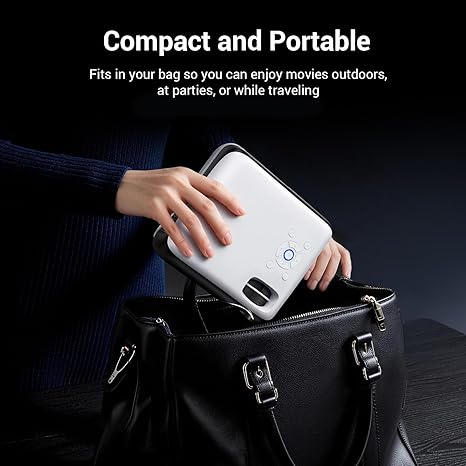
Mini projectors span a wide range of sizes and weights, and the right balance depends on how the projector will actually be used.
Ultra-Compact and Travel Models
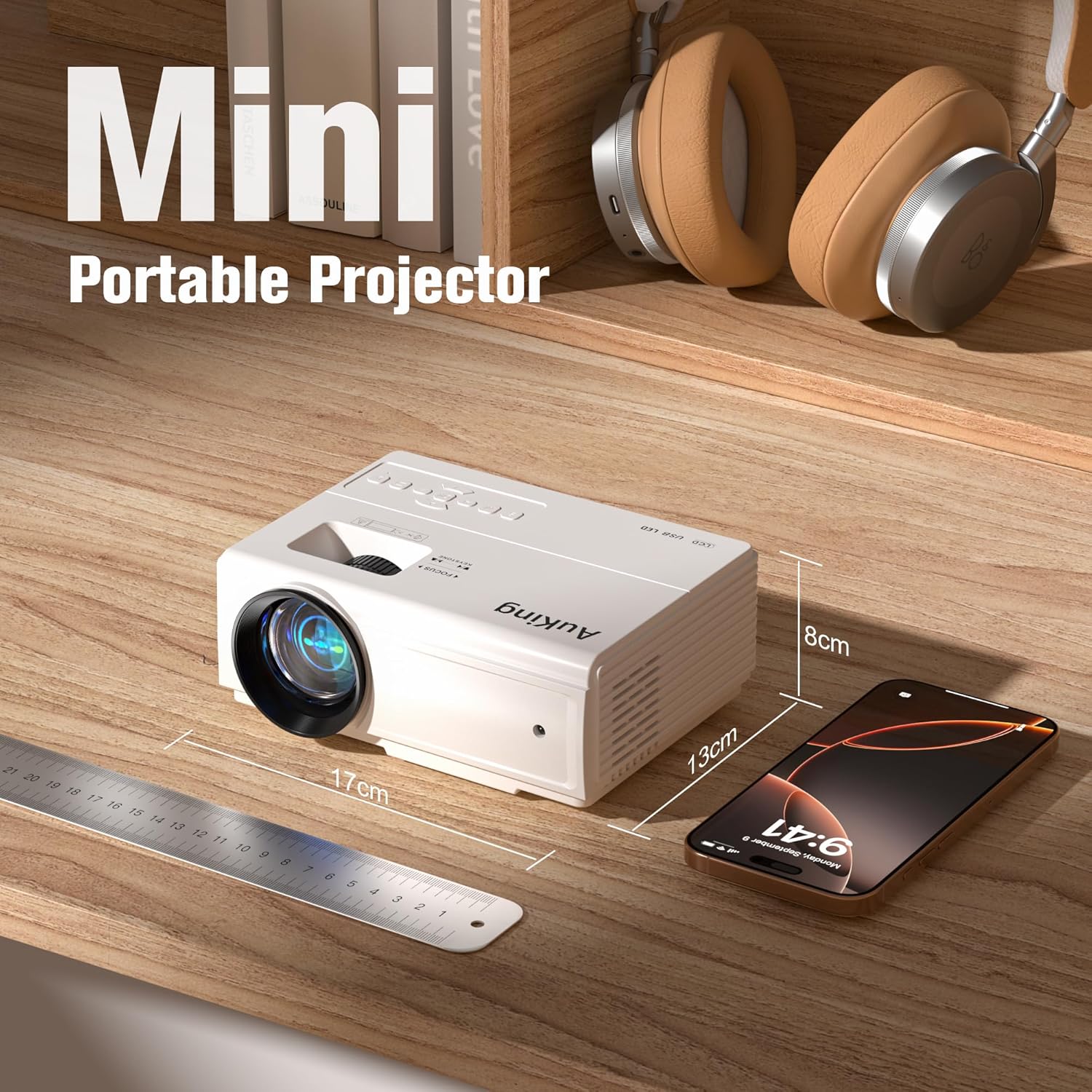
The lightest mini projectors weigh between 1 and 3 pounds and fit easily into a backpack or coat pocket. These are genuinely portable in the everyday carry sense. The trade-off for extreme compactness is typically lower brightness and smaller built-in speakers. Models in this category are ideal for frequent travelers, campers, and anyone who needs to carry the projector regularly. The AuKing mini projector compact models start at around 2.6 pounds and 8 by 6 by 3 inches, which falls comfortably in this category.
Home and Occasional Outdoor Models
Mid-range mini projectors typically weigh between 3 and 8 pounds. They are easy to move between rooms or carry to the backyard but are better suited as home devices than daily carry items. This weight range usually indicates better optics, stronger built-in audio, and more robust connectivity. The AuKing Smart Projector at 7.7 pounds sits at the upper end of this range, with the feature set to match.
Build Quality Indicators
Physical build quality is harder to assess from a listing than specs, but a few indicators help. A projector that feels solid and rigid at the seams typically has a better internal assembly than one that flexes or rattles. A sealed optical engine prevents dust from settling on internal components, which extends image quality over time. A removable dust filter, such as the one on the AuKing Smart Projector, makes maintenance simple and keeps the optics clean without professional servicing.
Step 10: Lamp Life and Long-Term Value
The lamp or light source in a projector has a finite lifespan. On older projector designs using traditional bulbs, lamp replacement was a significant recurring cost. Modern mini projectors use LED light sources that last dramatically longer and do not require replacement under normal use.
What Lamp Life Ratings Mean in Practice
LED mini projectors commonly carry lamp life ratings between 30,000 and 65,000 hours. At four hours of daily use, a 55,000-hour rating translates to over 37 years of operation. At heavier use of eight hours daily, it still covers over 18 years. These ratings are a practical guarantee of a maintenance-free ownership experience for the life of the device under any normal use pattern.
The cooling system plays a significant role in lamp longevity. A well-designed dual-fan cooling system keeps internal temperatures stable, which directly extends LED lamp life. Projectors with inadequate cooling run hotter and experience faster LED degradation. The AuKing projector lineup uses dual-fan cooling with noise reduction technology that extends lamp life to 55,000 hours while keeping fan noise 80 percent lower than standard designs.
Warranty and Support
A meaningful warranty and accessible customer support are genuine parts of long-term value. A 2-year warranty with lifetime tech support, as offered across the AuKing range, provides real protection against early failures and ongoing access to setup and troubleshooting help without additional cost. When comparing projectors at similar price points, warranty terms and customer service reputation are worth factoring into the decision.
Mini Projector Comparison by Use Case
With all the individual factors covered, here is how they come together for the most common buying situations.
Best Mini Projector for Bedroom Movie Nights
Priority specs: native 1080P resolution, 200 to 500 ANSI lumens (bedroom lighting is easy to control), autofocus for convenient nightly use, Bluetooth audio for late-night headphone use. A smart projector with built-in streaming apps removes friction from the nightly viewing routine. The AuKing Smart Projector is particularly well-suited for this use case, with the omnidirectional stand enabling ceiling projection for a full-room immersive experience.
Best Mini Projector for Outdoor Movie Nights
Priority specs: portability and carry bag for transport, 200 ANSI lumens or above for after-dark outdoor use, battery power or efficient power consumption, HDMI connectivity for a streaming stick, Bluetooth audio for connecting a portable speaker outdoors. AuKing mini projectors with the carry bag and dual-fan design are built for this exact use case and handle outdoor setups comfortably after dark.
Best Mini Projector for Gaming
Priority specs: native 1080P or higher, HDMI input for console connection, low input lag for responsive gameplay, image size up to 150 inches for an immersive experience. A wired HDMI connection from the console always provides the lowest latency for gaming.
Best Mini Projector for Travel and Camping
Priority specs: weight under 3 pounds, compact dimensions, carry bag included, HDMI or USB input for flexible content sources. Sacrifice brightness for weight in this category. The AuKing compact mini projector models at 2.6 pounds cover this profile well.
Best Mini Projector as a TV Replacement
Priority specs: 500 ANSI lumens or higher for use in a living room with some ambient light, native 1080P, built-in smart streaming with official Netflix support, quality built-in or Bluetooth-connected audio. This is the most demanding use case and requires a smart projector with real brightness capability. The AuKing WiFi projectors and smart projector models are the right range to consider here.
Final Checklist Before Buying a Mini Projector
Before clicking purchase on any mini projector, run through this checklist:
- Native resolution confirmed as 1080P or higher (not just “1080P supported”)
- Brightness listed in ANSI lumens and appropriate for the planned lighting environment
- Throw distance range covers the distance between the planned placement position and the wall
- HDMI port confirmed for the intended source device
- WiFi included if wireless screen mirroring from a phone is needed
- Netflix streaming method confirmed: native app with official license, or via HDMI streaming stick
- Bluetooth included if connecting to a wireless speaker is part of the plan
- Weight and dimensions appropriate for how the projector will be transported
- Autofocus or keystone correction adequate for the planned placement flexibility
- Lamp life rating reviewed alongside the warranty terms
Find the Right AuKing Projector for Your Setup
- AuKing Mini Projectors: Portable 1080P for Home and Outdoors
- AuKing WiFi Projectors: Wireless Streaming with WiFi 6
- AuKing Smart Projectors: Built-In Netflix, Autofocus, and Dolby Audio
- AuKing Bluetooth Projectors: Wireless Audio Built In
- AuKing Smart Projector Full Review: Is It Worth Buying?